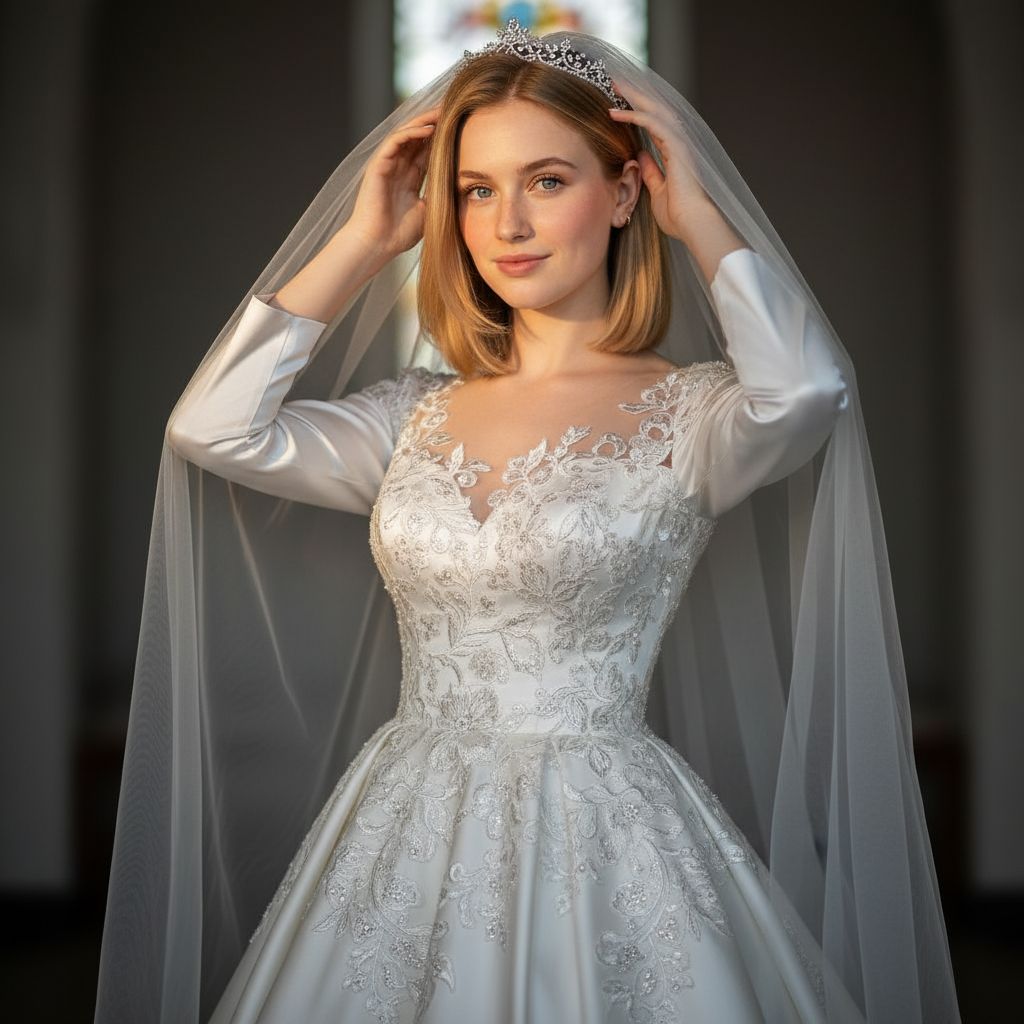
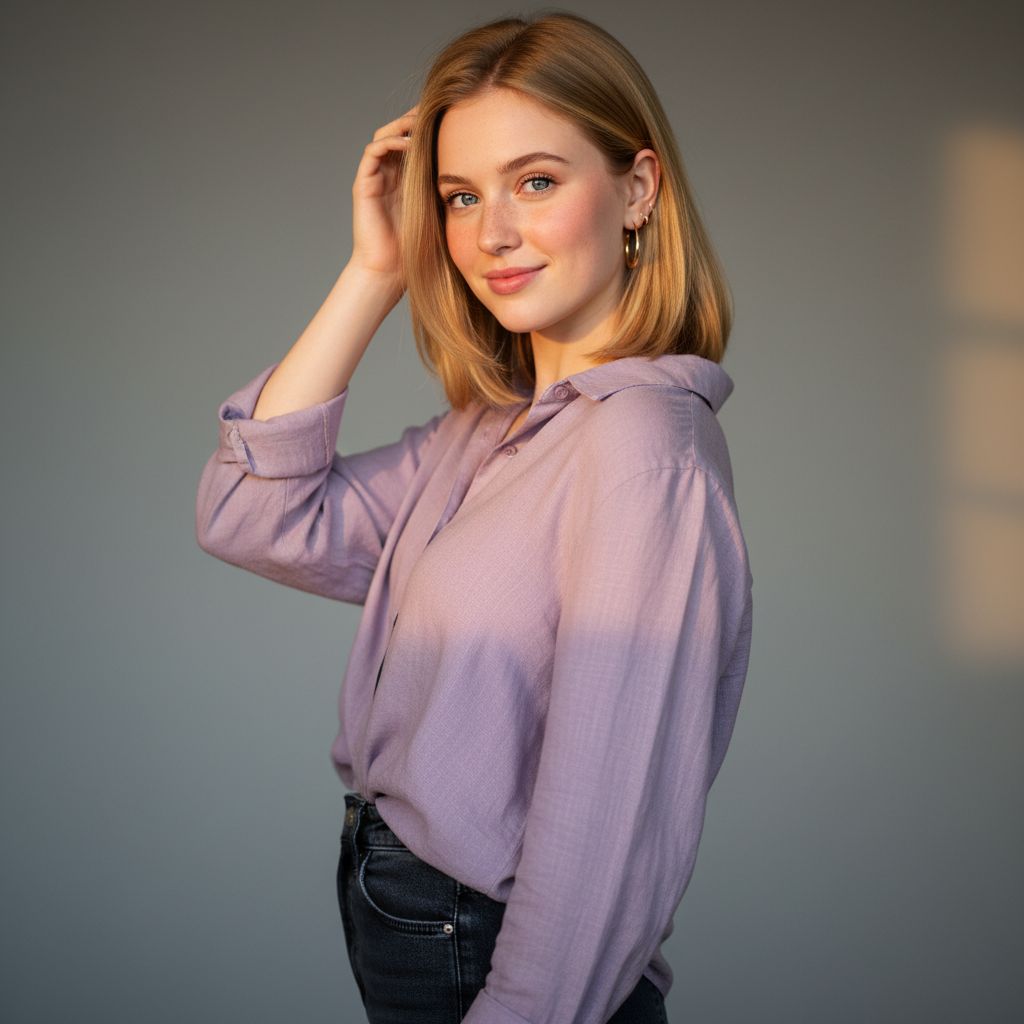
If no aspect ratio is selected, the output will match the aspect ratio of your input image
Select a stunning bridal photo to serve as the base for your glamorous tiara portrait.
Select from a variety of luxurious tiara designs to adorn your bride, enhancing elegance and poise.
Create your portrait and adjust details to capture the intricate glamour of the bridal tiara.
Personalize your bridal portrait by selecting from an exquisite range of tiara designs, each with intricate details. This feature allows brides to embody their unique style, ensuring that the tiara complements their vision of elegance and glamour on their special day.

Enhance the bridal portrait with a selection of regal backgrounds that elevate the elegance of the image. Choose from opulent settings, such as grand ballrooms or lush gardens, to create a stunning visual narrative that highlights the bride's poise and the luxurious tiara.
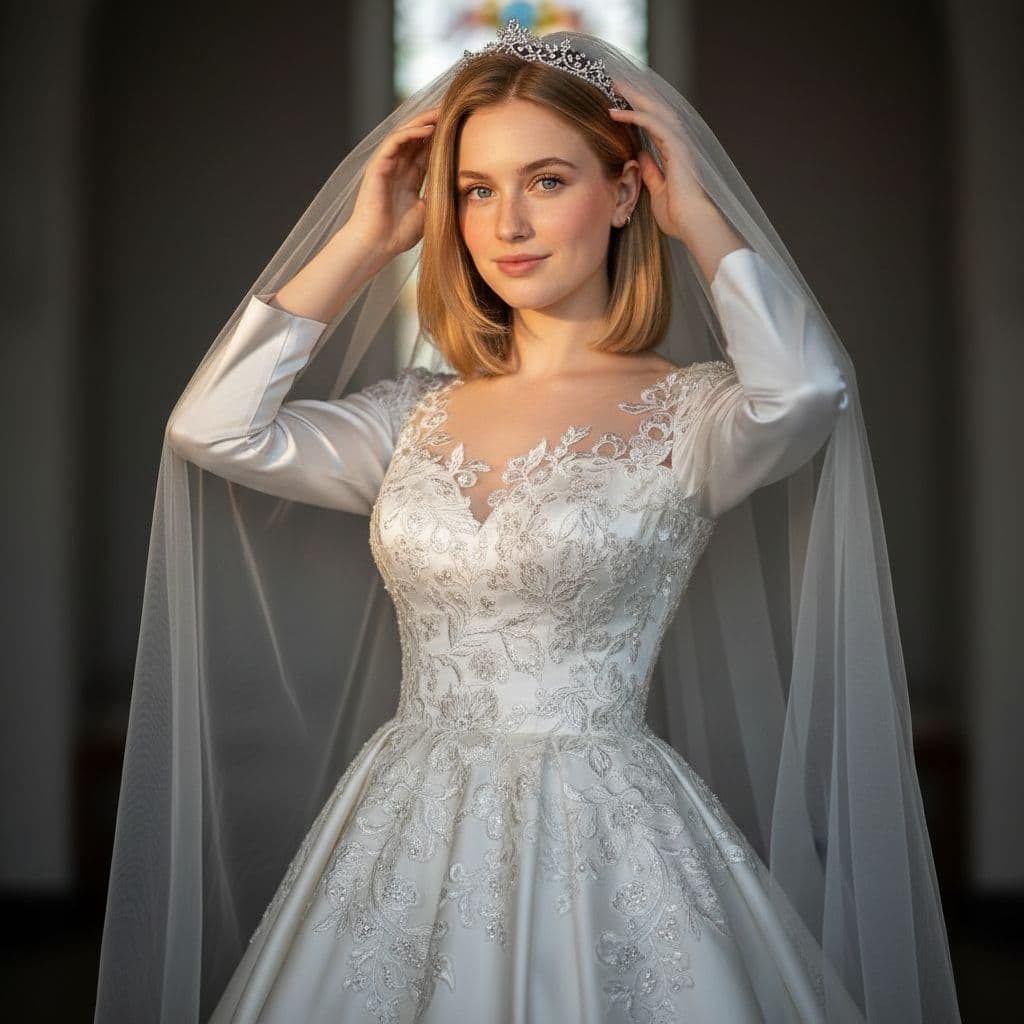
Find answers to common questions about creating bridal tiara portrait generator with Dearify.ai's AI generator.
This generator creates stunning bridal portraits featuring a luxurious tiara, capturing a bride's elegance and poise.
You need to upload one reference photo that clearly shows the bride's face to create a personalized portrait.
You can customize the tiara's design and the overall look, enhancing the intricate details and glamour in your portrait.
The reference photo should be in a common format like JPEG or PNG for optimal results in your bridal portrait.
Yes, the Bridal Tiara Portrait Generator may have a fee depending on the specific features and enhancements you choose.
The portrait generation process is typically quick, allowing you to see your stunning bridal portrait in just a few minutes.
Expect high-quality, detailed portraits that beautifully showcase the intricate details of the tiara and the bride's features.
The generator is designed for personalized portraits, so it's best to use a photo of the bride who will wear the tiara.
Ensure good lighting, a clear view of the face, and a neutral background for the best results in your bridal portrait.
It specifically focuses on bridal portraits with regal tiaras, emphasizing elegance, intricate details, and glamour in each image.