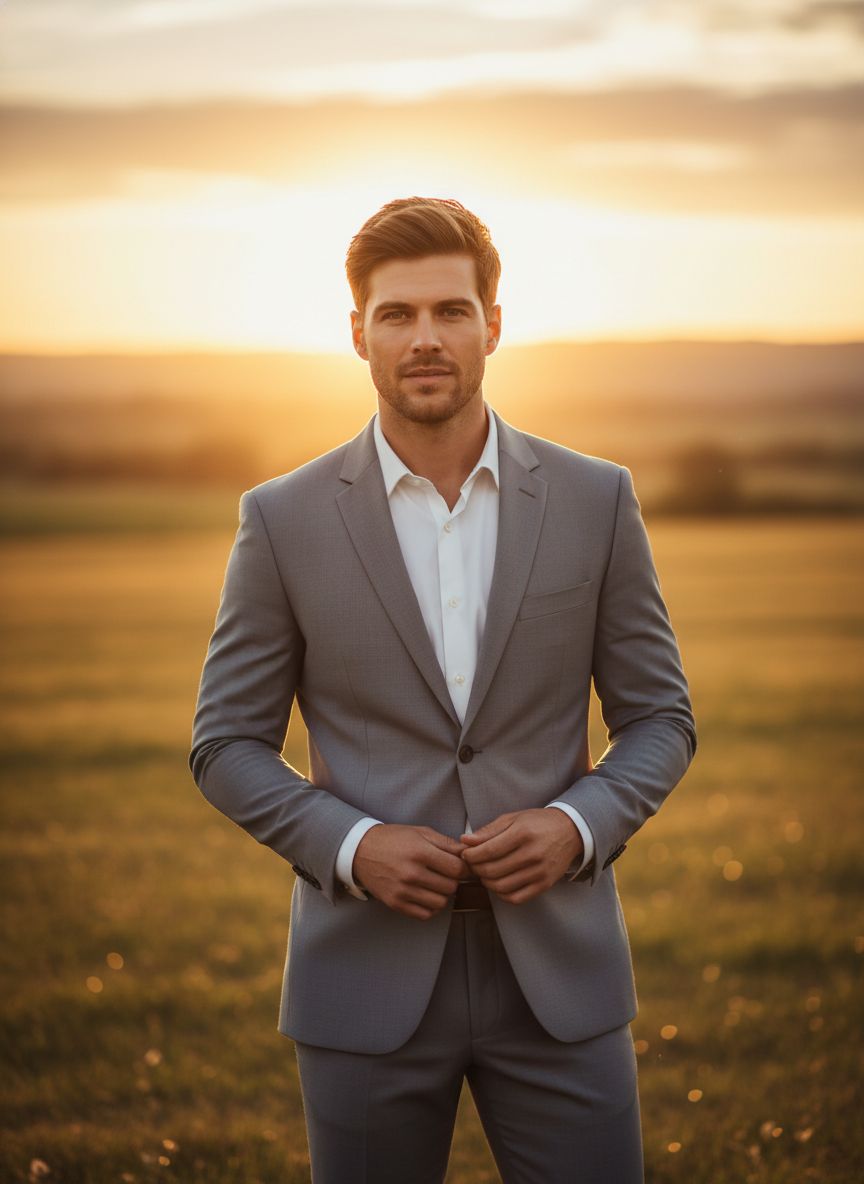
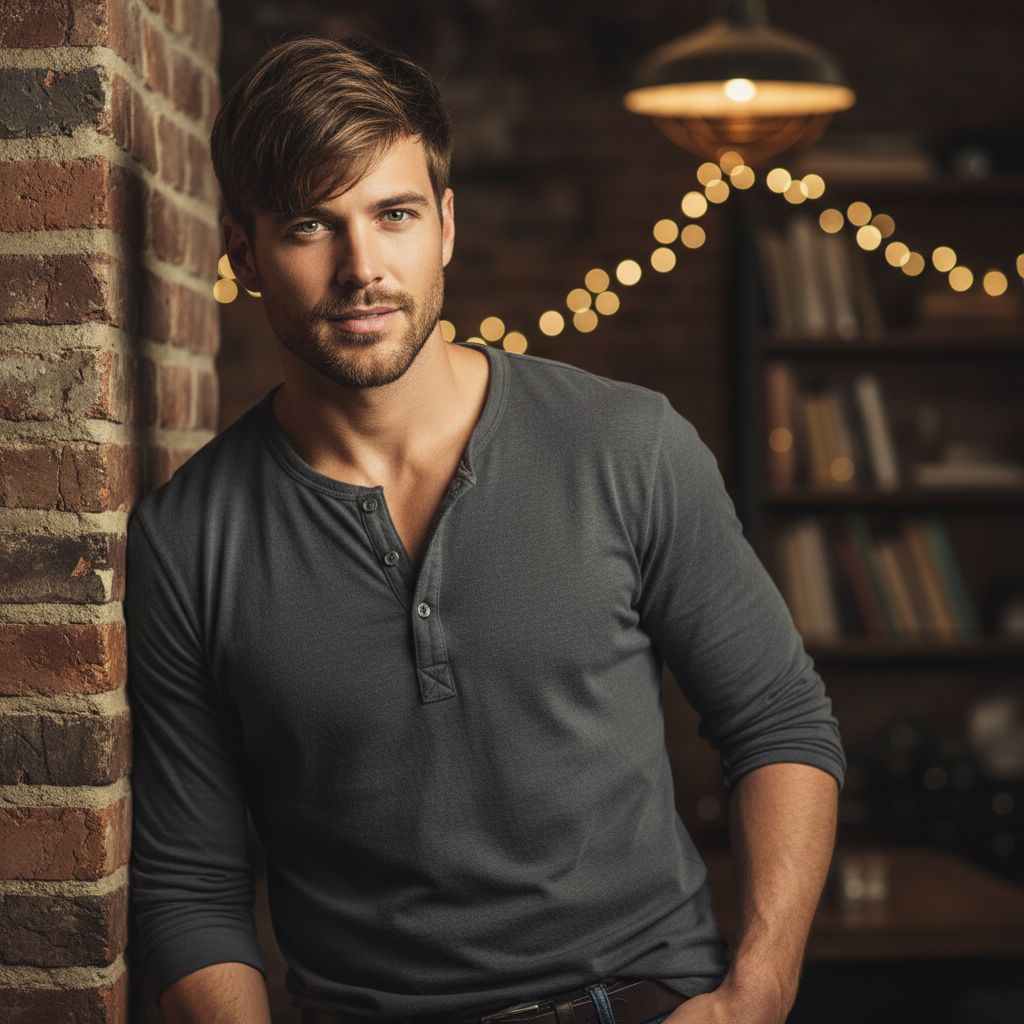
If no aspect ratio is selected, the output will match the aspect ratio of your input image
Choose a clear photo of the groom in a sophisticated suit for optimal results.
Adjust the lighting and background elements to capture that warm, romantic atmosphere.
Create the portrait and download your elegant groom image, showcasing charm and confidence.
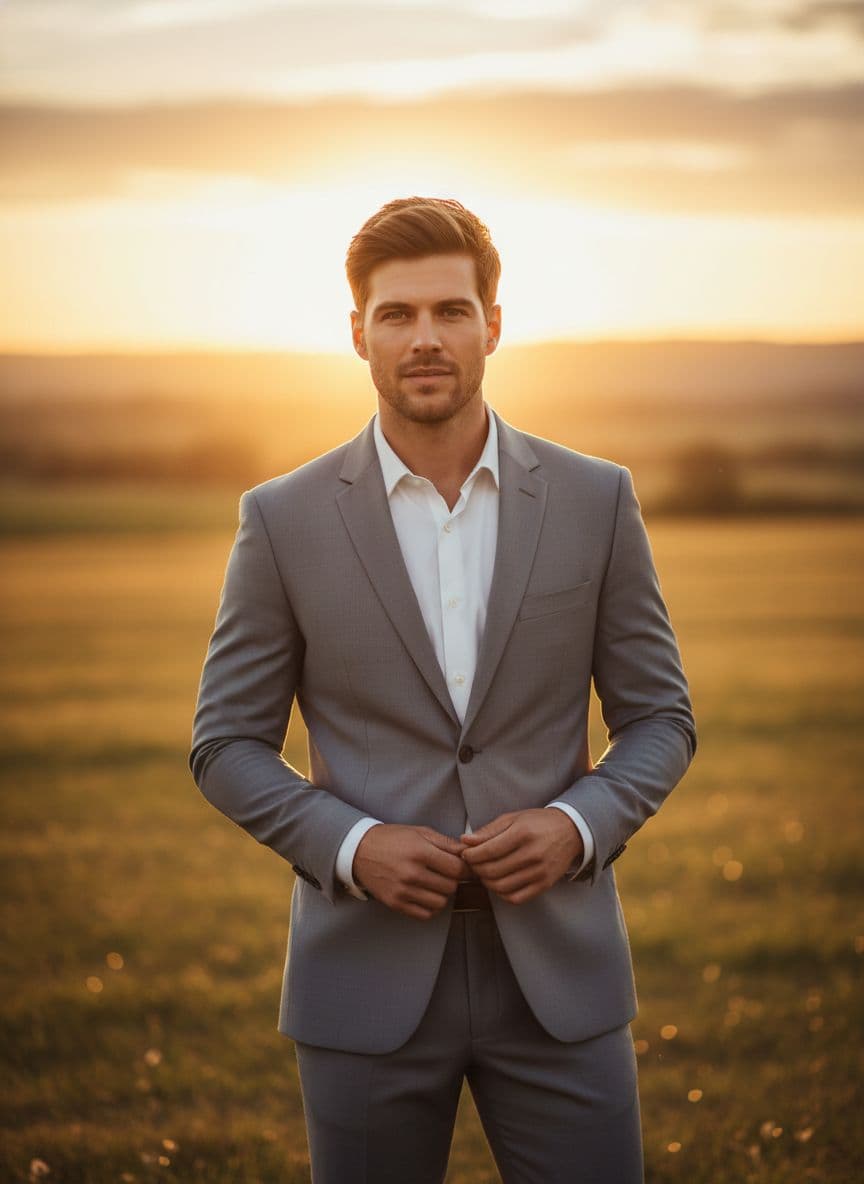
Utilize the enchanting glow of golden hour to enhance your groom portraits. This feature captures the warm, romantic hues that naturally highlight the groom's features and suit, creating a dreamy atmosphere that elevates the elegance of each portrait.
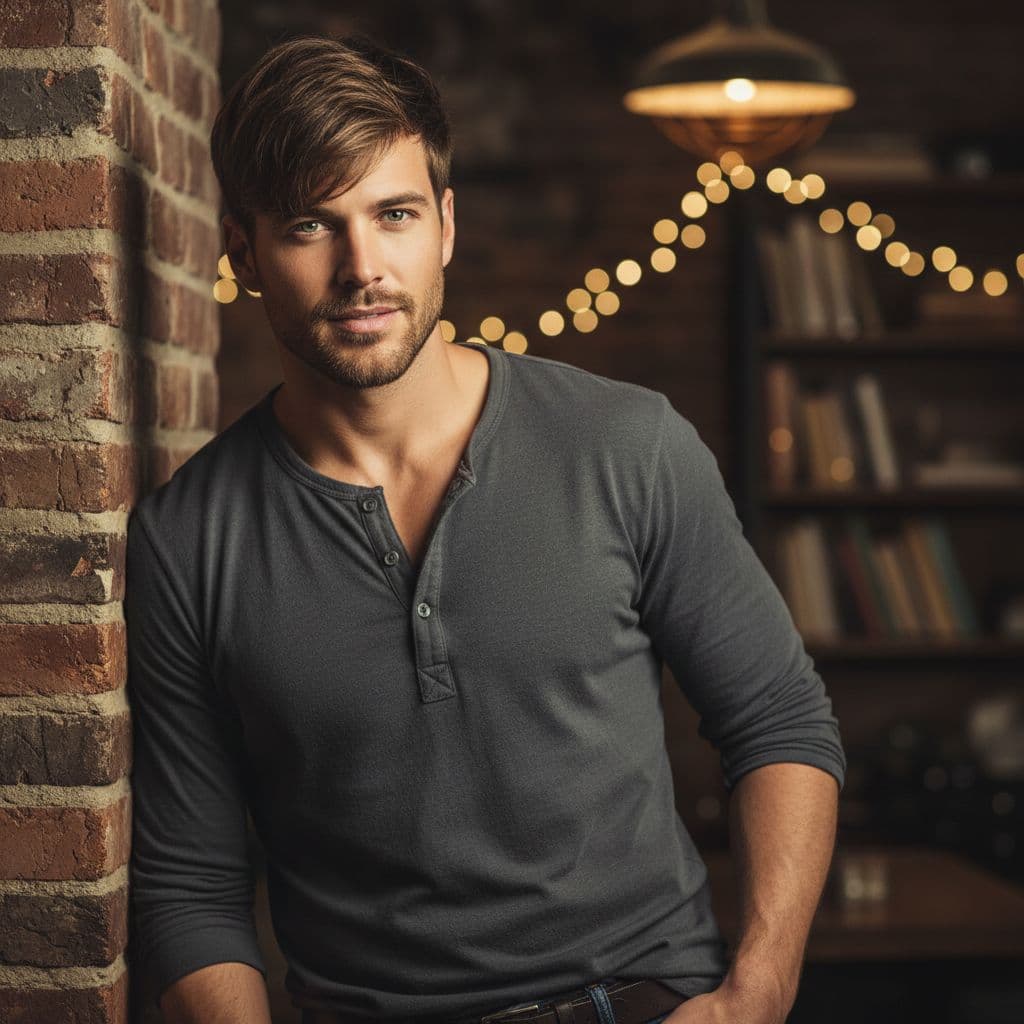
Choose from a variety of sophisticated suit styles and bouquet options tailored specifically for grooms. This feature allows you to customize the attire, ensuring that every portrait resonates with the charm and confidence expected on a wedding day, while maintaining an upscale aesthetic.
Find answers to common questions about creating groom golden hour portrait generator with Dearify.ai's AI generator.
This generator creates elegant portraits of grooms during the golden hour, showcasing their charm in a sophisticated suit and holding a bouquet.
You'll need to upload one reference photo of the groom to create a personalized golden hour portrait.
The golden hour provides a warm, romantic light that enhances the groom's confidence and charm in the portrait.
While the template focuses on an elegant suit, you can specify colors or styles in your prompts to achieve the desired look.
You can include details about the bouquet style in your prompt to ensure it matches your vision for the portrait.
Pricing may vary based on usage and features; please check our platform for the latest rates for generating portraits.
The generator produces high-quality portrait photos that capture the essence of the groom in a warm, romantic atmosphere.
For optimal portraits, use a clear, high-resolution reference photo and provide specific details in your prompts.
This generator is specifically designed for groom portraits; for other types, explore our other portrait generators.
Typically, the portrait is generated in a few minutes, but this may vary depending on server load and other factors.