If no aspect ratio is selected, the output will match the aspect ratio of your input image
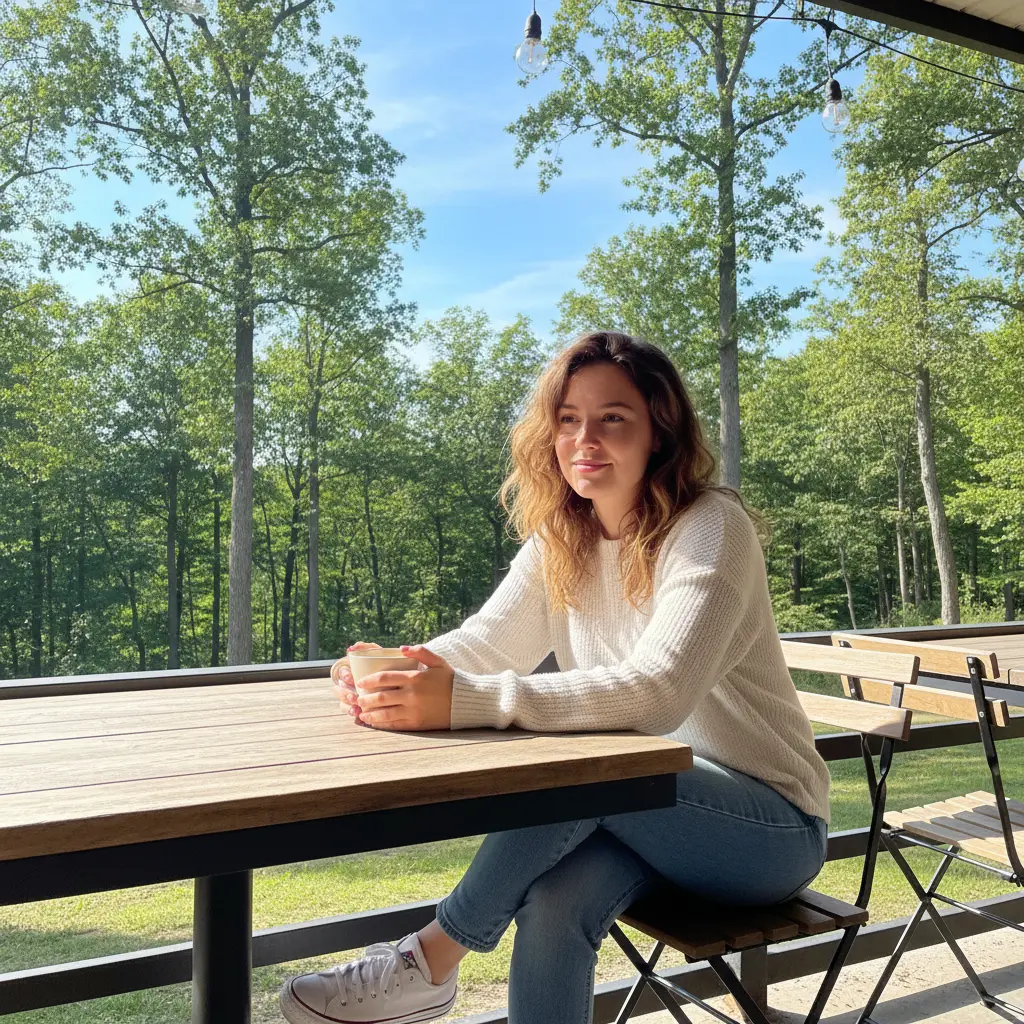
Start by uploading a picture—portrait, travel, or lifestyle—or type a short description of the scene you imagine. This prepares the base for your Vintage Filter creation.
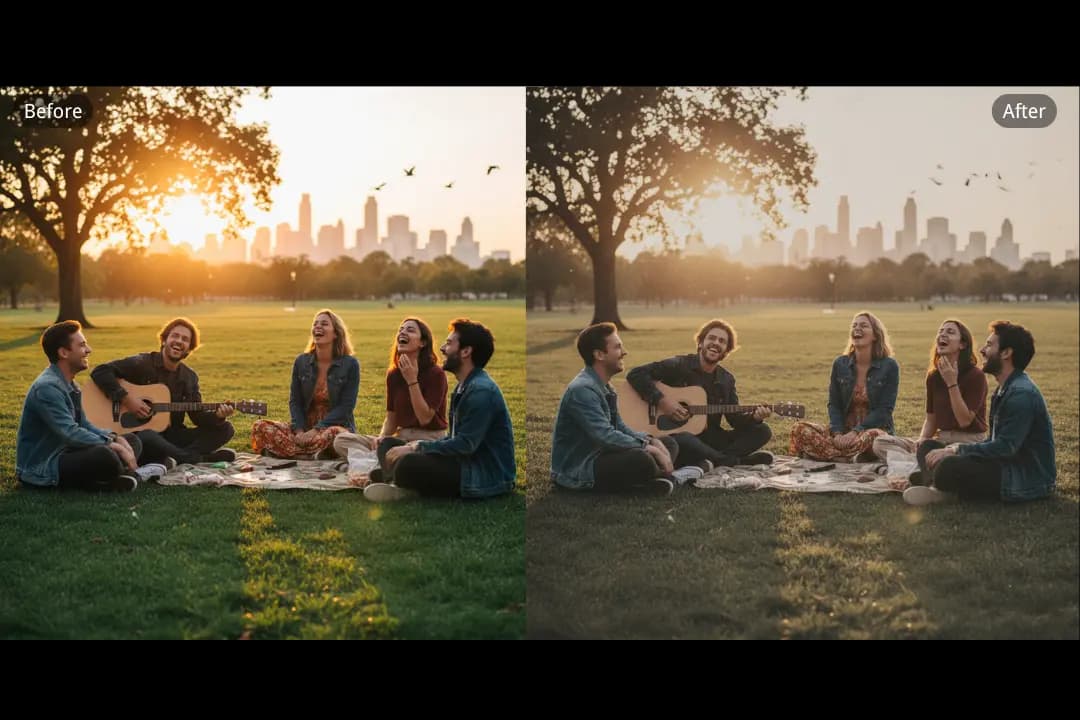
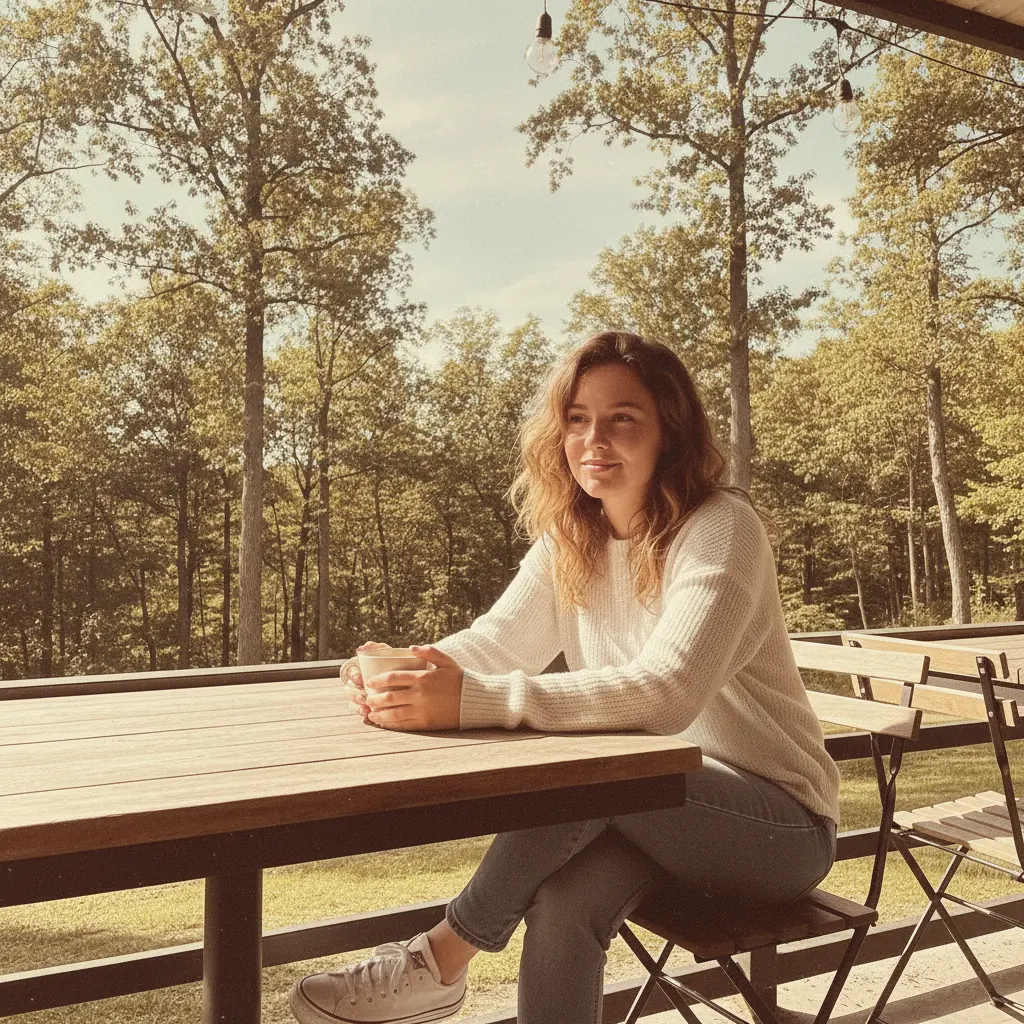
Simply type the retro style you want to apply: sepia tones, Polaroid frame, film grain, or a 90s faded effect. Dearify.ai understands your input and applies the Vintage Filter accordingly.
Click once and let Dearify.ai transform your idea into a high-resolution Vintage Filter image, ready for sharing, printing, or adding to your creative projects.
Skip sign-ups and complex software—Dearify.ai brings the Vintage Filter online for free. In one click, start turning your photos into nostalgic masterpieces. Perfect for creators who want speed without limits.

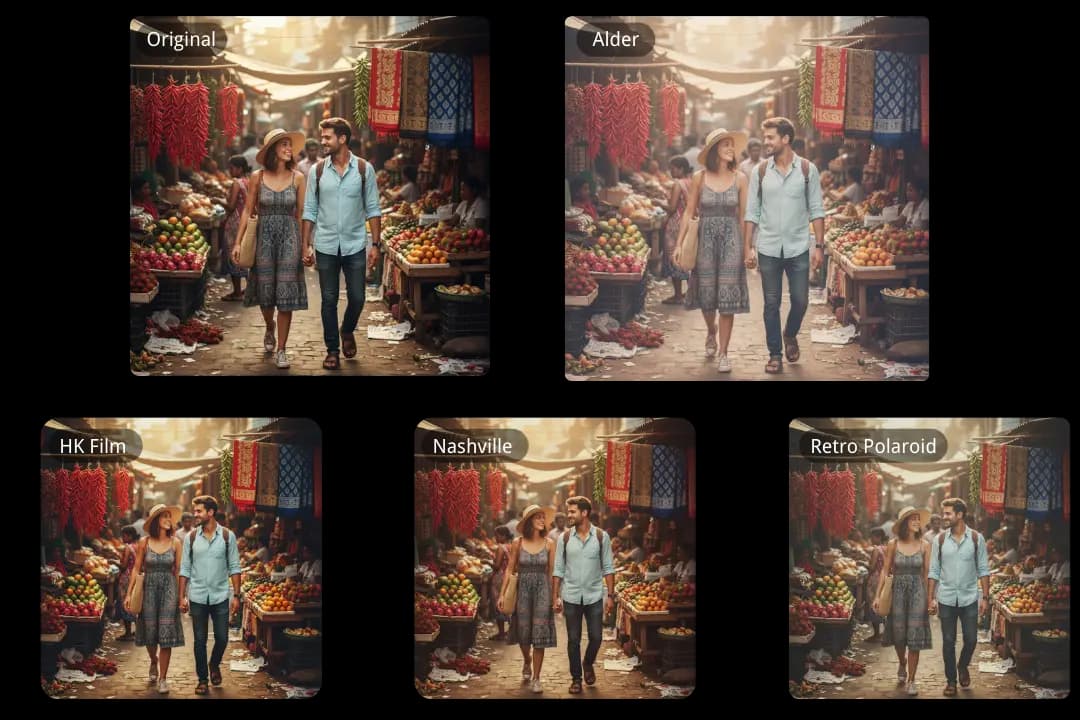
Dearify.ai goes beyond a single style. Upload your portrait, travel photo, or family moment and explore a range of Vintage Filter looks—from sepia warmth to film grain or 90s faded tones. Each variation transforms your image with a unique retro vibe. And if you’re looking for that iconic instant-film feel, try our <a href=" https://Dearify.ai/features/polaroid-photo-generator "> Polaroid Photo Generator </a> for an even more authentic nostalgic experience.
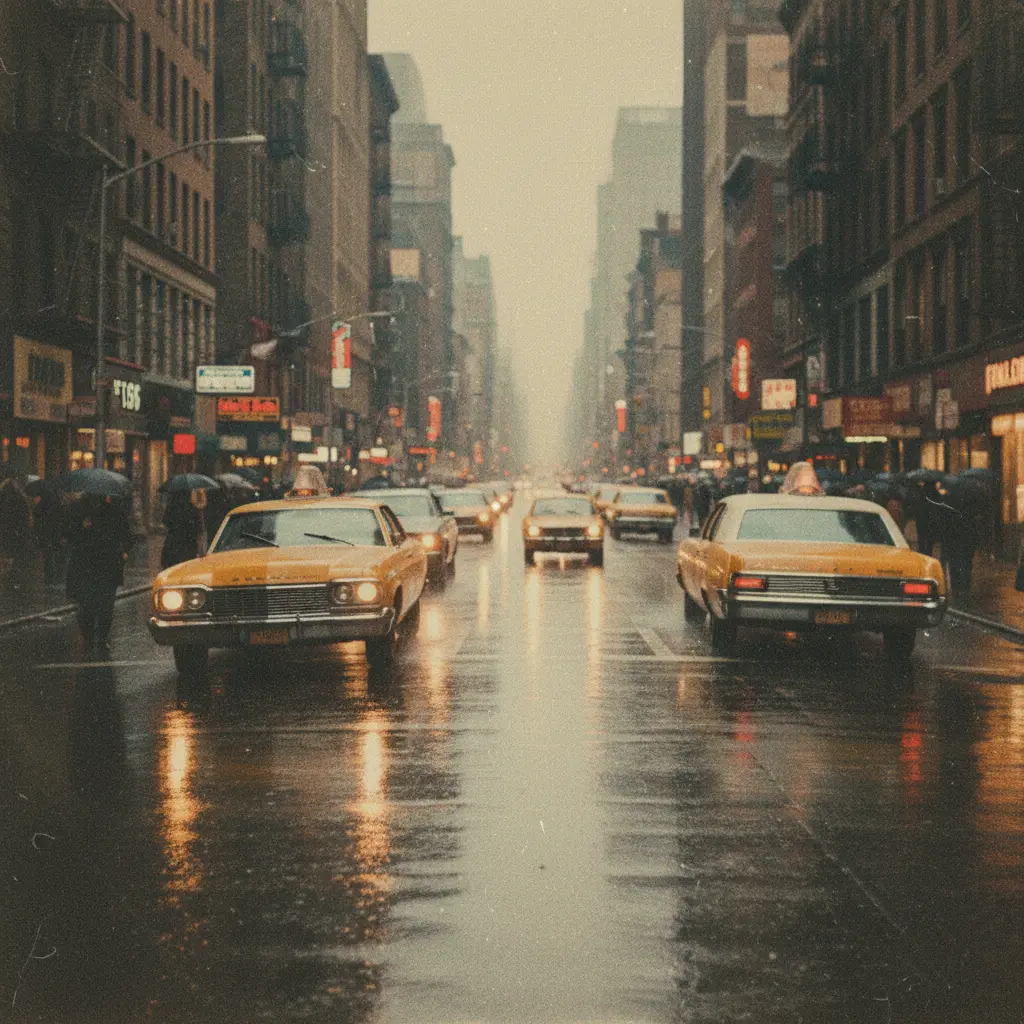
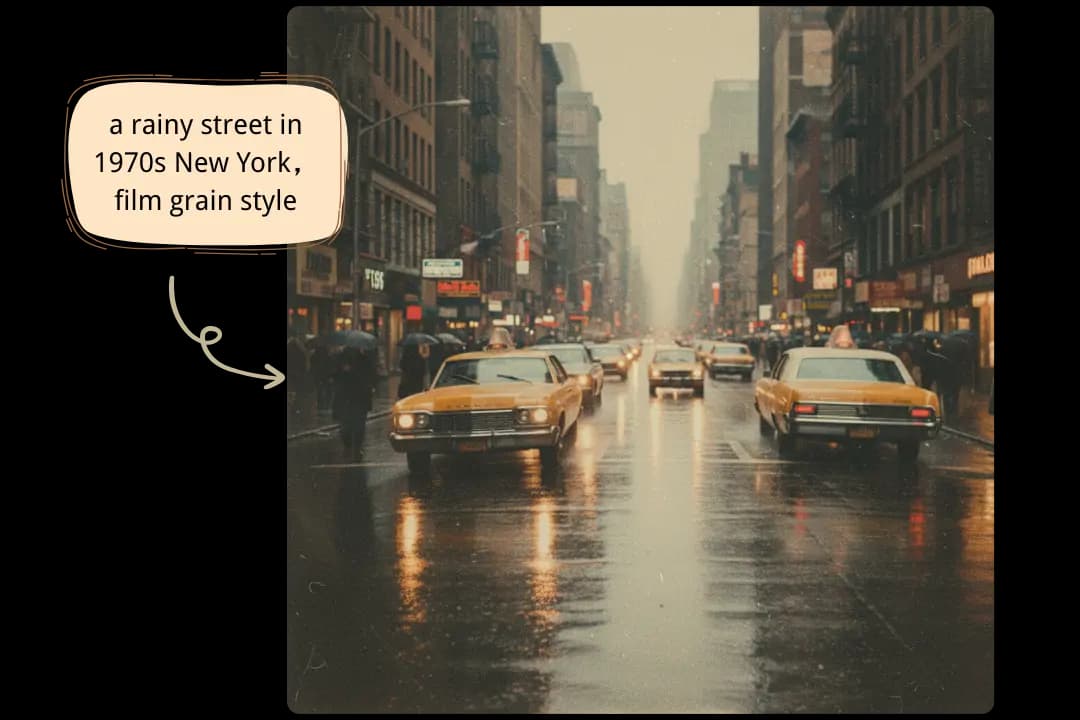
No photo? No problem. Simply type a description—like “a rainy street in 1970s New York”—and Dearify.ai generates a scene with the retro-inspired Vintage Filter. Bring pure imagination to life with nostalgic tones and textures.
With Dearify.ai, the Vintage Filter isn’t just fast—it’s effortless. A single click gives you a polished retro image ready for Instagram grids, Pinterest boards, or creative projects, no extra editing required.