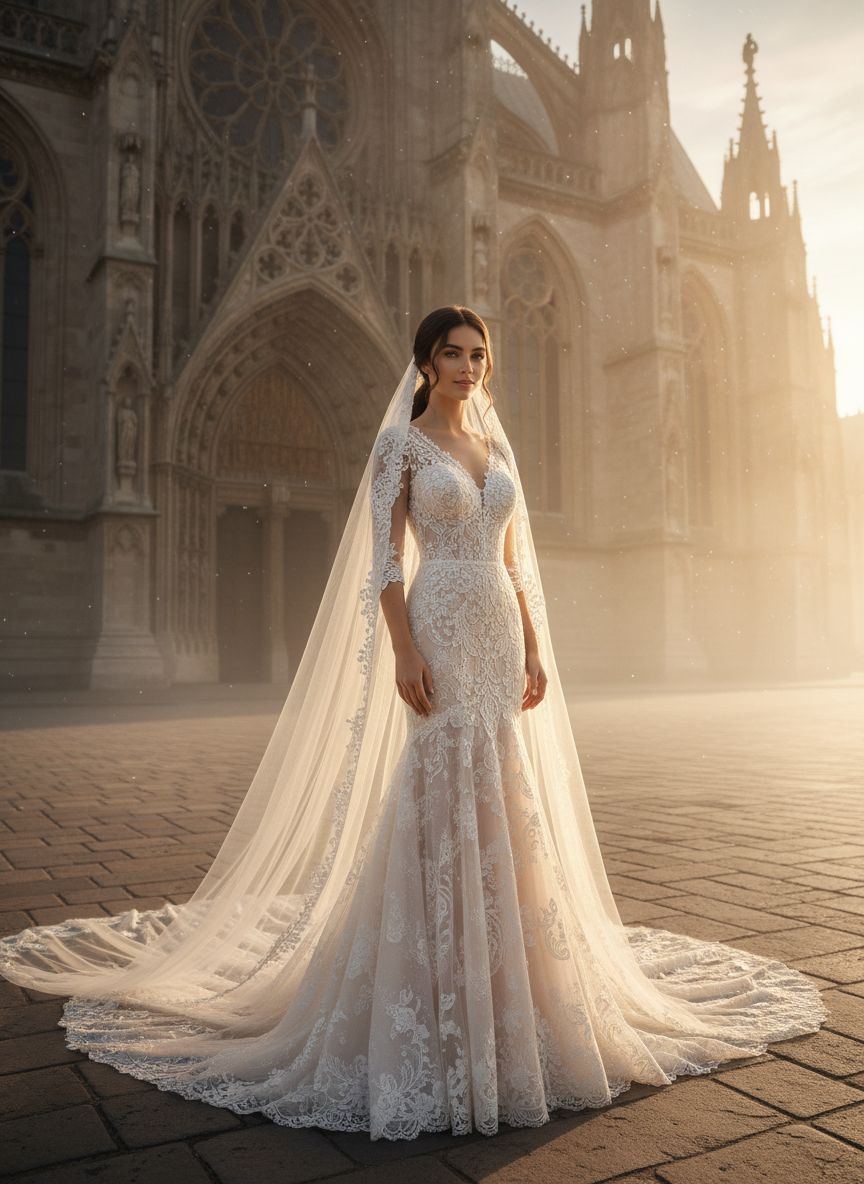
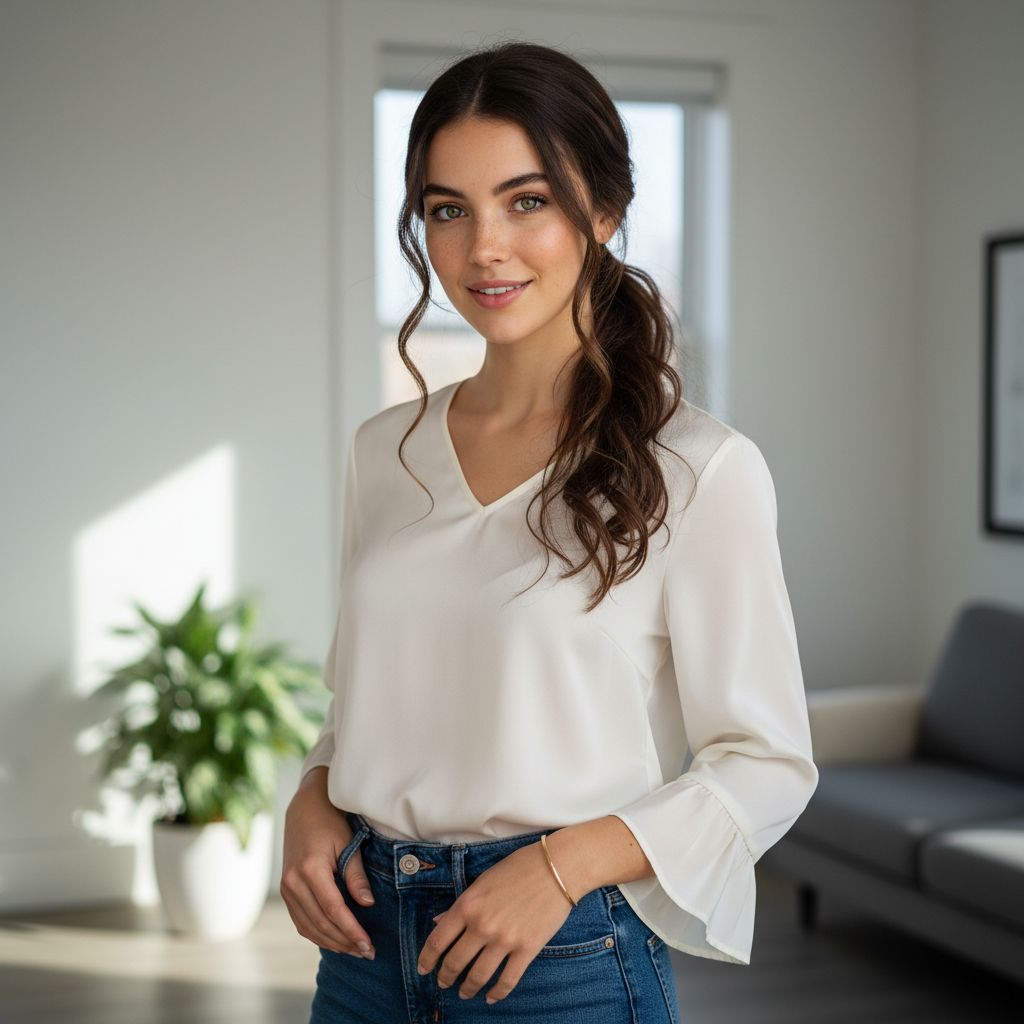
If no aspect ratio is selected, the output will match the aspect ratio of your input image
Select and upload a photo of the bride to create a stunning portrait in golden hour lighting.
Choose from various enchanting backgrounds to enhance the golden hour atmosphere for your bridal portrait.
Fine-tune warmth and lighting settings to capture the elegance and poise of the bride during golden hour.
Utilize the unique golden hour lighting to add a warm, ethereal glow to bridal portraits. This feature enhances skin tones and textures, creating a soft and romantic atmosphere that perfectly complements the elegance of the bride, ensuring each portrait radiates beauty and charm.
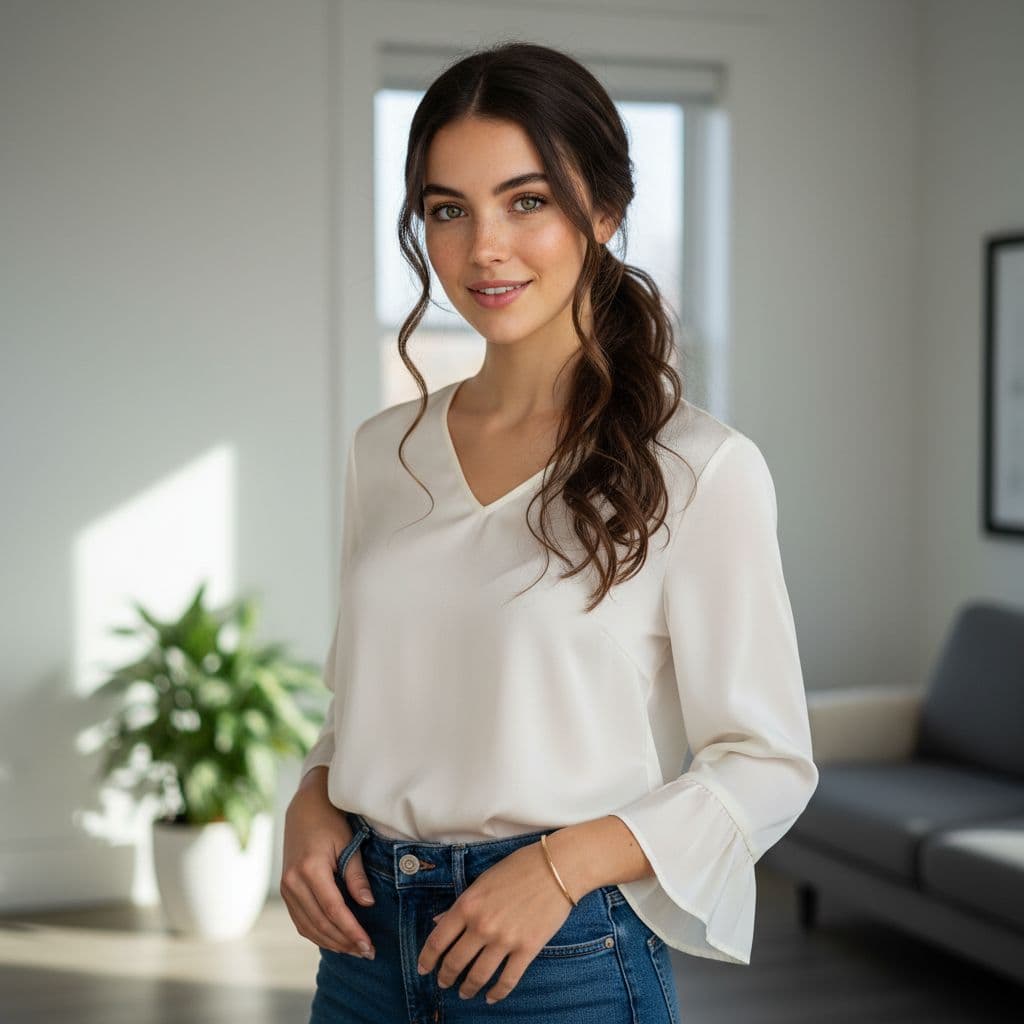
Choose from a variety of stunning, pre-set romantic backgrounds that evoke the magic of golden hour. From sun-kissed meadows to serene beach settings, these backgrounds enhance the bride's poise and elegance, allowing for a truly personalized touch to each portrait creation.

Find answers to common questions about creating golden hour bridal portrait generator with Dearify.ai's AI generator.
This generator creates stunning bridal portraits during the golden hour, highlighting elegance in warm, romantic lighting.
You need to upload one reference photo of the bride to create a personalized golden hour portrait.
The golden hour provides soft, warm lighting that enhances the bride's beauty, creating a dreamy and romantic atmosphere.
Yes, you can adjust elements like lighting intensity and background to tailor the portrait to your vision.
We accept standard image formats such as JPEG and PNG for your reference photo upload.
Use a high-resolution reference photo and ensure good lighting conditions in the original image for optimal results.
Select a photo that highlights the bride's features and showcases her in a natural, romantic setting for the best outcome.
Yes, there may be a fee for generating portraits, which varies based on customization options and features selected.
Expect a beautifully lit background with warm tones that enhance the bride's elegance, perfect for a golden hour ambiance.
Portrait generation is typically quick, usually completed within minutes after uploading your reference photo.