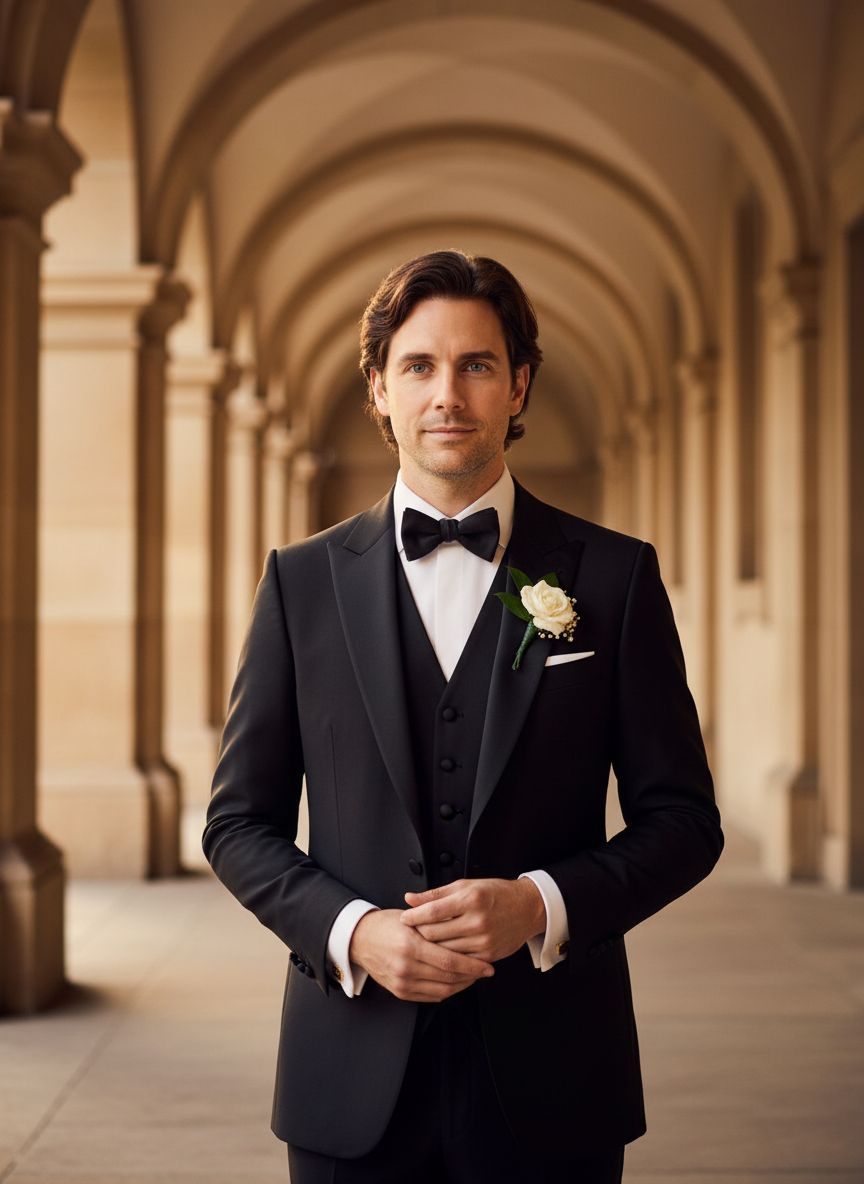
If no aspect ratio is selected, the output will match the aspect ratio of your input image
Select and upload a photo of the groom to serve as a reference for the portrait.
Select from various sophisticated suit styles and accessories to enhance the groom's elegance.
Customize the background to create a warm wedding atmosphere, adding charm to the portrait.
Tailor the groom's look by selecting from a range of elegant suits, colors, and accessories to reflect personal style. The Groom Formal Portrait Generator ensures that every detail, from the lapel style to the tie pattern, embodies the charm and sophistication suited for a wedding setting.

Enhance the portrait's emotional impact by choosing from various bouquet designs that complement the groom's attire. This feature allows users to seamlessly integrate floral arrangements that evoke warmth and romance, adding a personal touch to each portrait while capturing the essence of the wedding atmosphere.
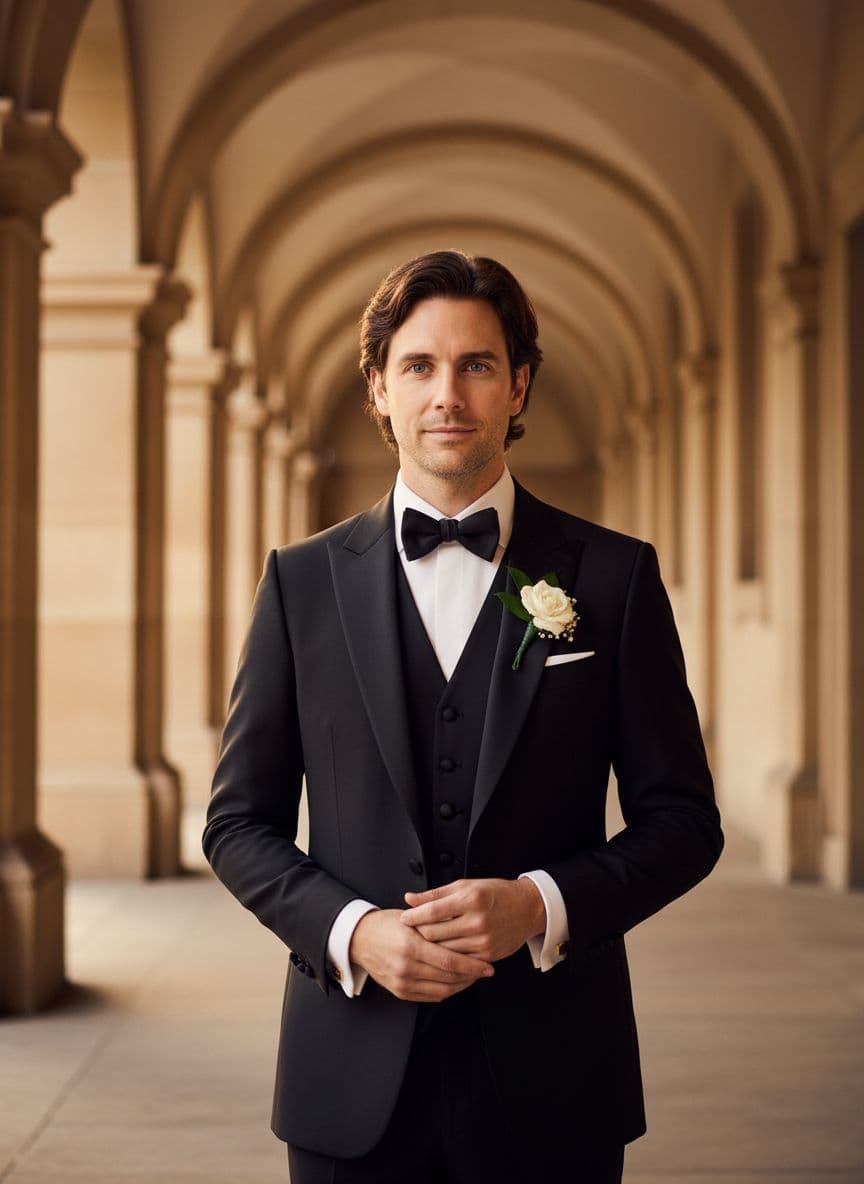
Find answers to common questions about creating groom formal portrait generator with Dearify.ai's AI generator.
This generator creates elegant groom portraits in formal attire, capturing a groom's charm in a wedding setting.
You need to upload one reference photo that showcases the groom's features for accurate and personalized results.
Upload your reference photo, and our AI will generate a sophisticated portrait of the groom in a formal suit and romantic ambiance.
The generator focuses on formal attire, allowing you to create portraits featuring elegant suits and accessories suitable for weddings.
Yes! You can specify details about the bouquet to ensure it complements the overall romantic atmosphere of the portrait.
Pricing details can be found on our website, and they vary based on the complexity and customization options chosen.
You can expect high-quality, detailed portraits that capture the groom's confidence and charm in a warm wedding atmosphere.
Choose a clear, high-resolution reference photo and provide specific details about the desired formal attire and bouquet for optimal results.
Please check our licensing terms on the website to understand the usage rights for portraits created with the generator.